
Plenoview
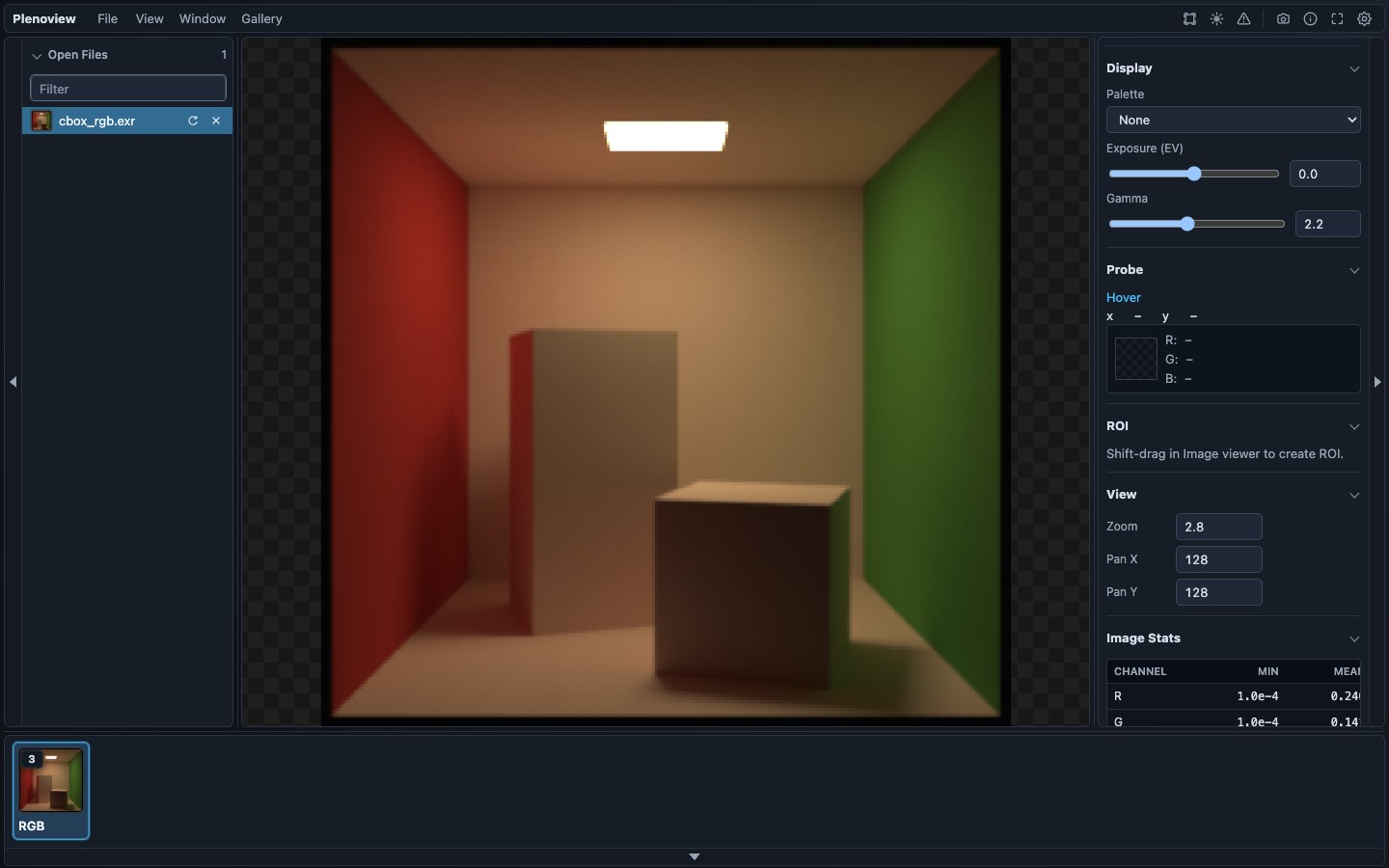
Plenoview is an OpenEXR image viewer for computational imaging, rendering, and vision workflows. It reveals the rich structure of images that contain more than color, including polarization, spectral, panoramas, depth, and AOVs.
Downloads
Desktop installers are published from the latest GitHub Release, and the VS Code extension is available from the Visual Studio Marketplace. Unsigned desktop builds may show Windows or macOS security prompts.
Features
Tools for inspecting, visualizing, exporting, and embedding channel-heavy EXR data.
Inspect
- Open files and sample scenes; review metadata and channels.
- Probe exact source values with zoom and rulers.
- Inspect ROIs, valid samples, and image statistics.
Visualize
- Browse RGB, alpha, AOV, spectral, polarization, and grouped channels.
- Apply colormaps, exposure, gamma, and range controls.
- Switch between image, panorama, and 3D viewing modes.
Export
- Save PNG images with the current display settings applied.
- Export screenshots, batches, and reproduction metadata.
- Generate standalone gradient colorbars for registered colormaps.
Embed
- Add
<plenoview-viewer>to HTML pages. - Load the viewer with the hosted JavaScript web component.
- Share EXR views in docs and project pages.
Gallery
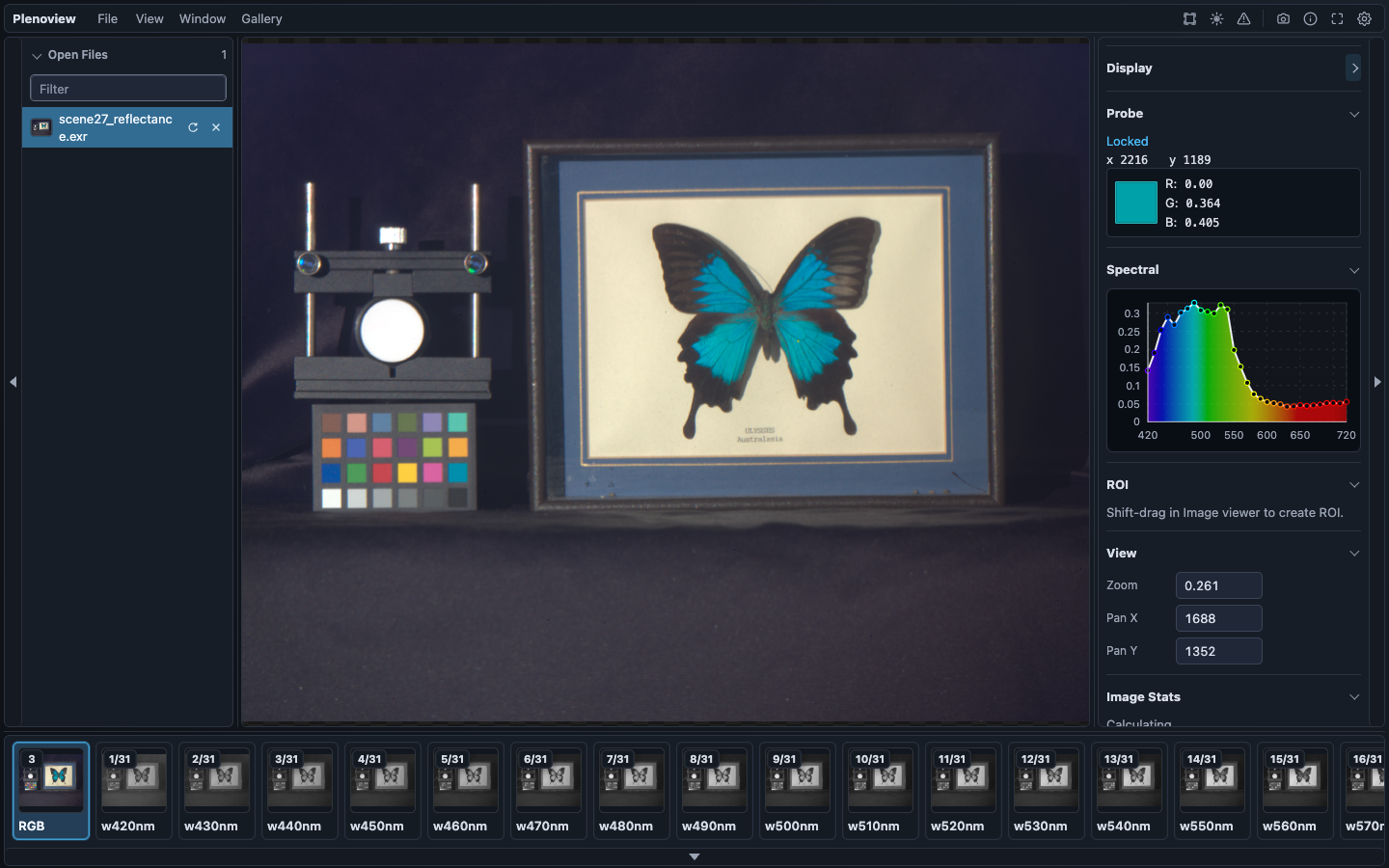
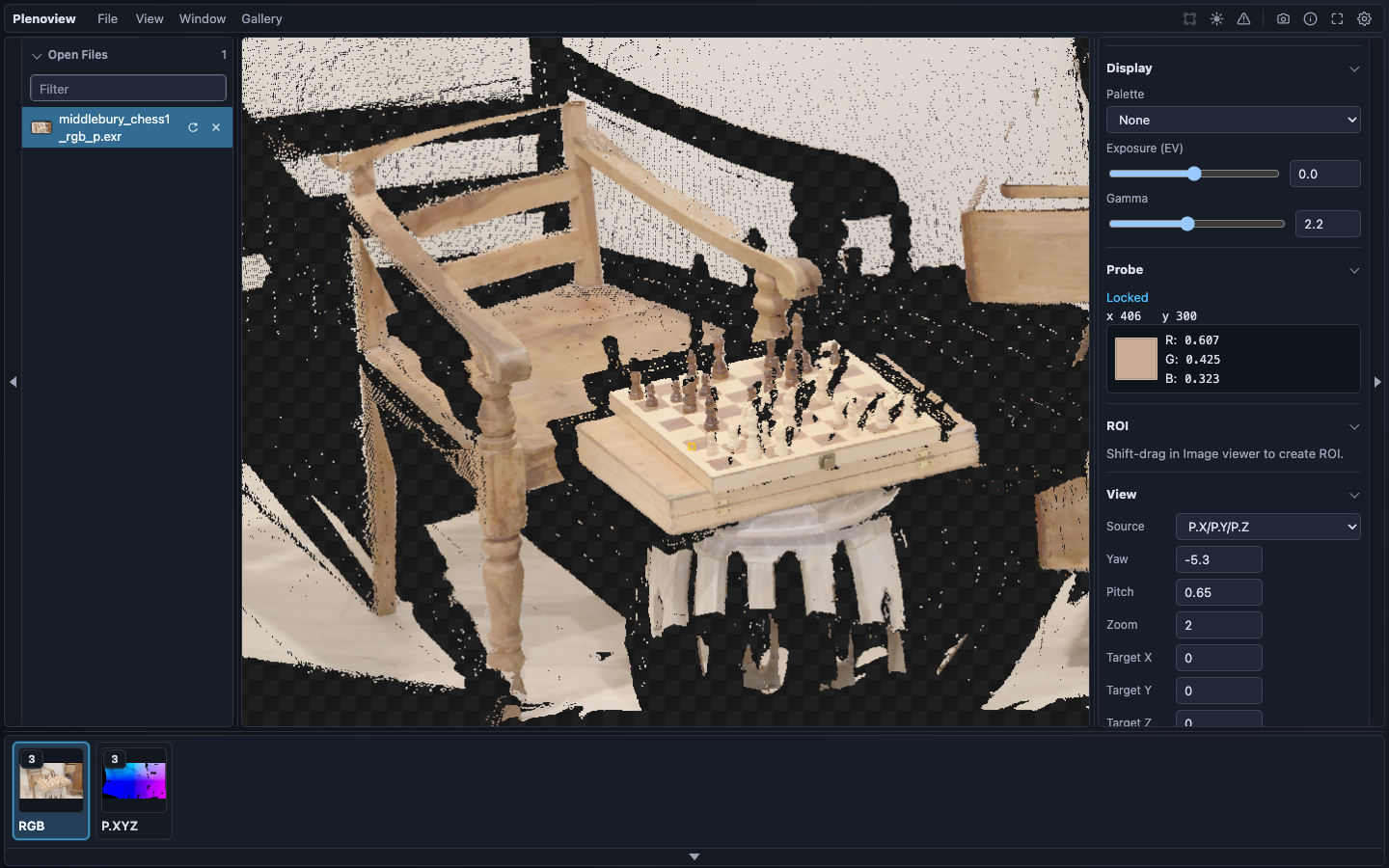
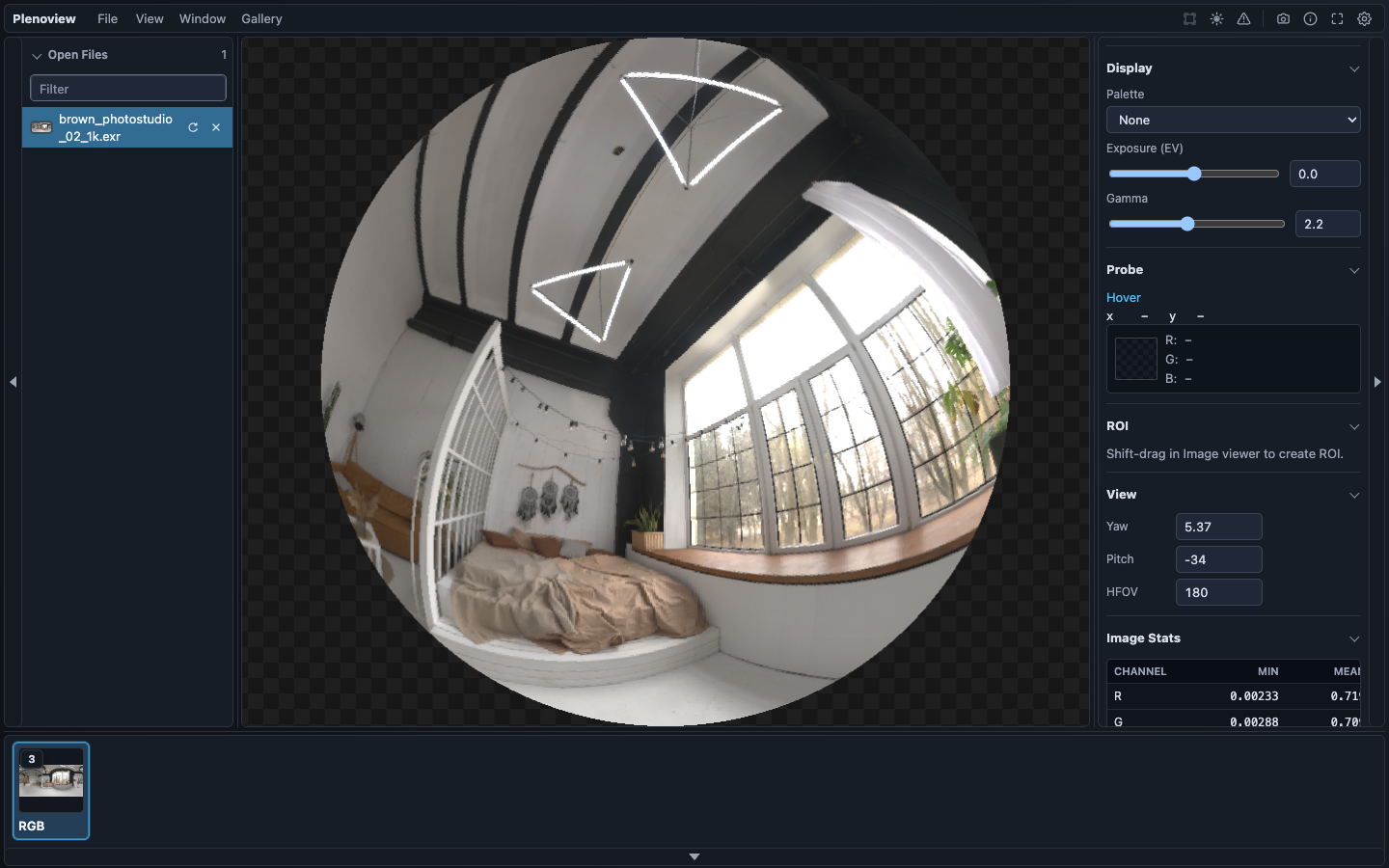
Gallery examples highlight source-value inspection, screenshot export, visualization across RGB, depth, hyperspectral, polarization, and panorama EXR data, plus an embeddable HTML viewer demo.
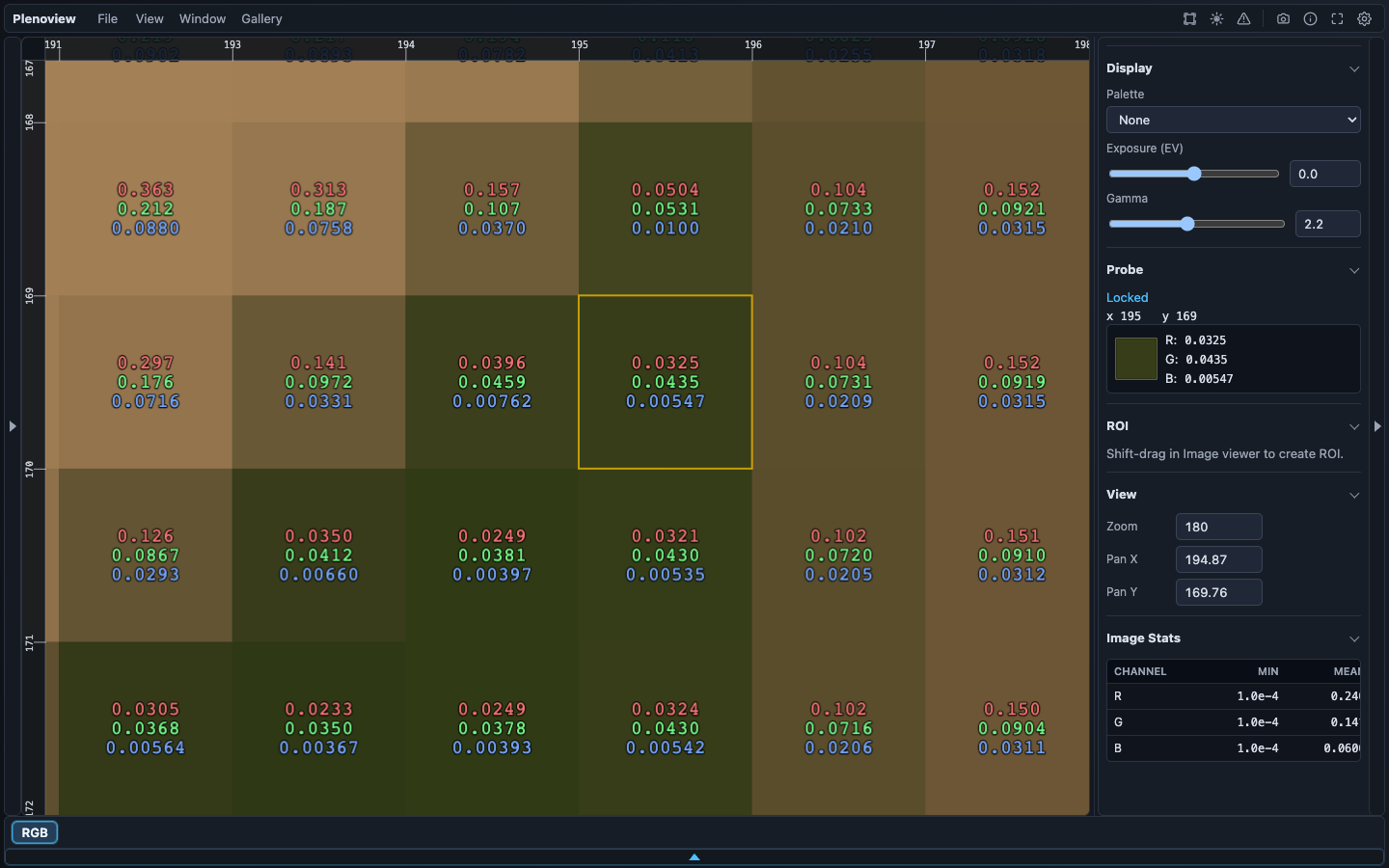
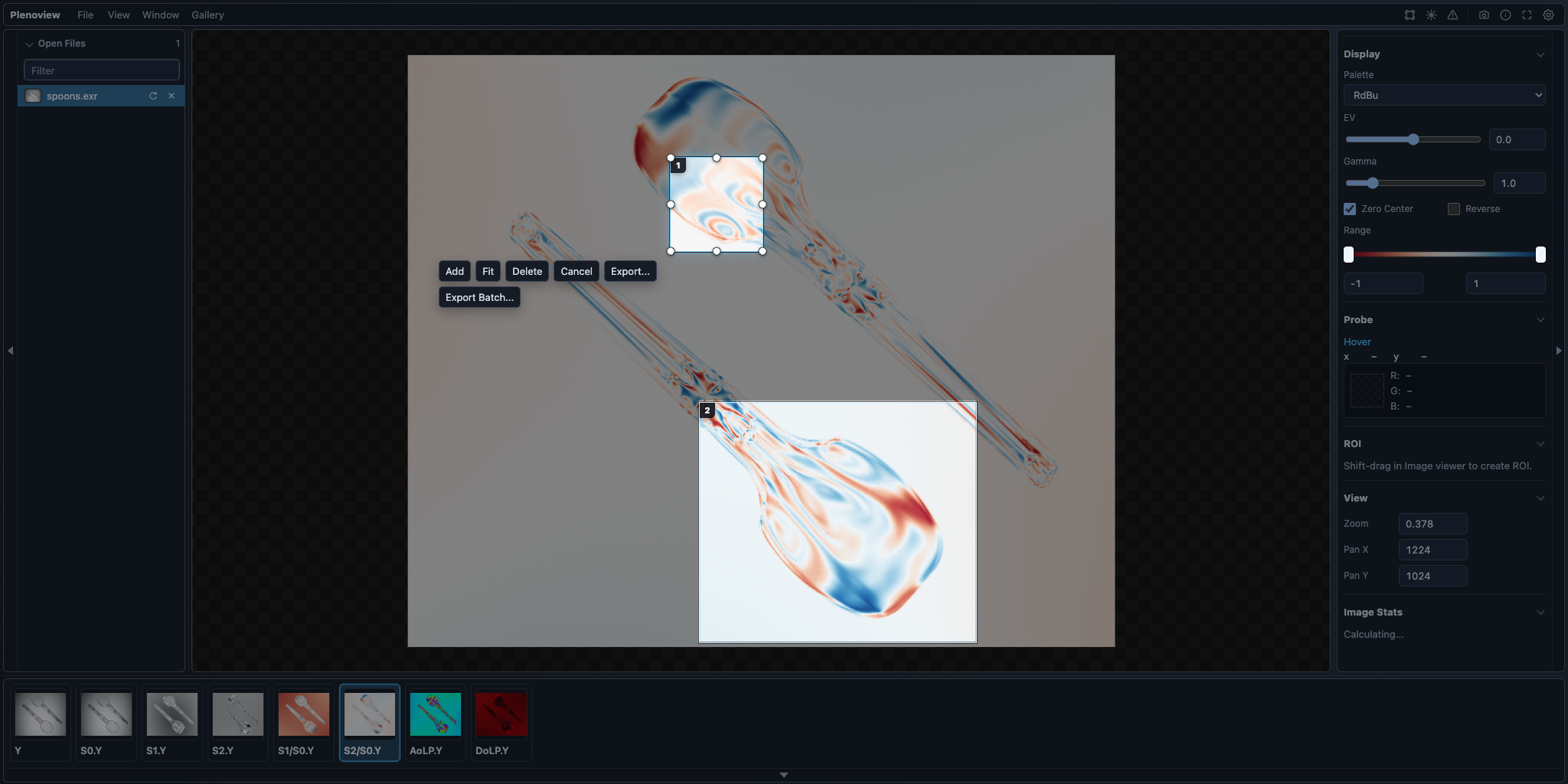
S0, S1, and S2
are visualized as computed AoLP and DoLP
images, with a dedicated colormap applied automatically. Full-Stokes vector images that include the circular
S3 component also expose CoP and ToP
visualizations.
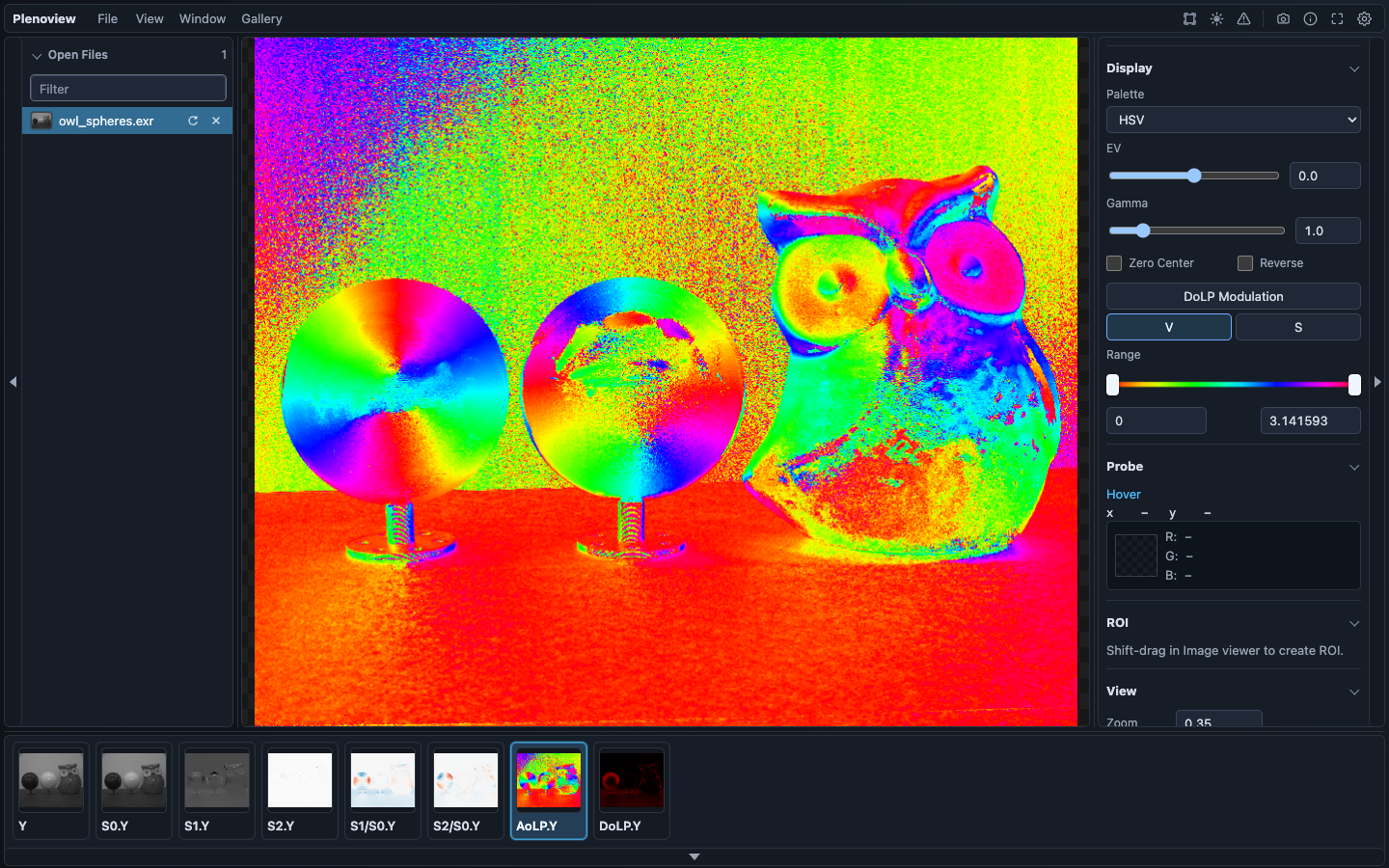
Source: KAIST Hyperspectral Image Dataset.
Source: Middlebury Stereo Datasets.
Source: Poly Haven HDRIs.
<script src="https://elerac.github.io/plenoview/embed/plenoview.js"></script>

<plenoview-viewer
  src="cbox_rgb.exr"
  height="360">
</plenoview-viewer>OpenEXR I/O guidance
This viewer groups OpenEXR channels by exact names inside each decoded layer. Use conventional names and complete sets so the viewer can infer color, spectral series, and Stokes-derived polarization views without custom rules.
R/G/BorR/G/B/Afor color and alpha.-
Spectral channels should end in
nm, such as400nm,500nm, orreflectance.500nm, so wavelength series can be sorted and grouped. -
Stokes data should use complete matching
S0/S1/S2sets, with optionalS3; suffixes and wavelengths should match across components.